Everything you do for them —
finally in one place.

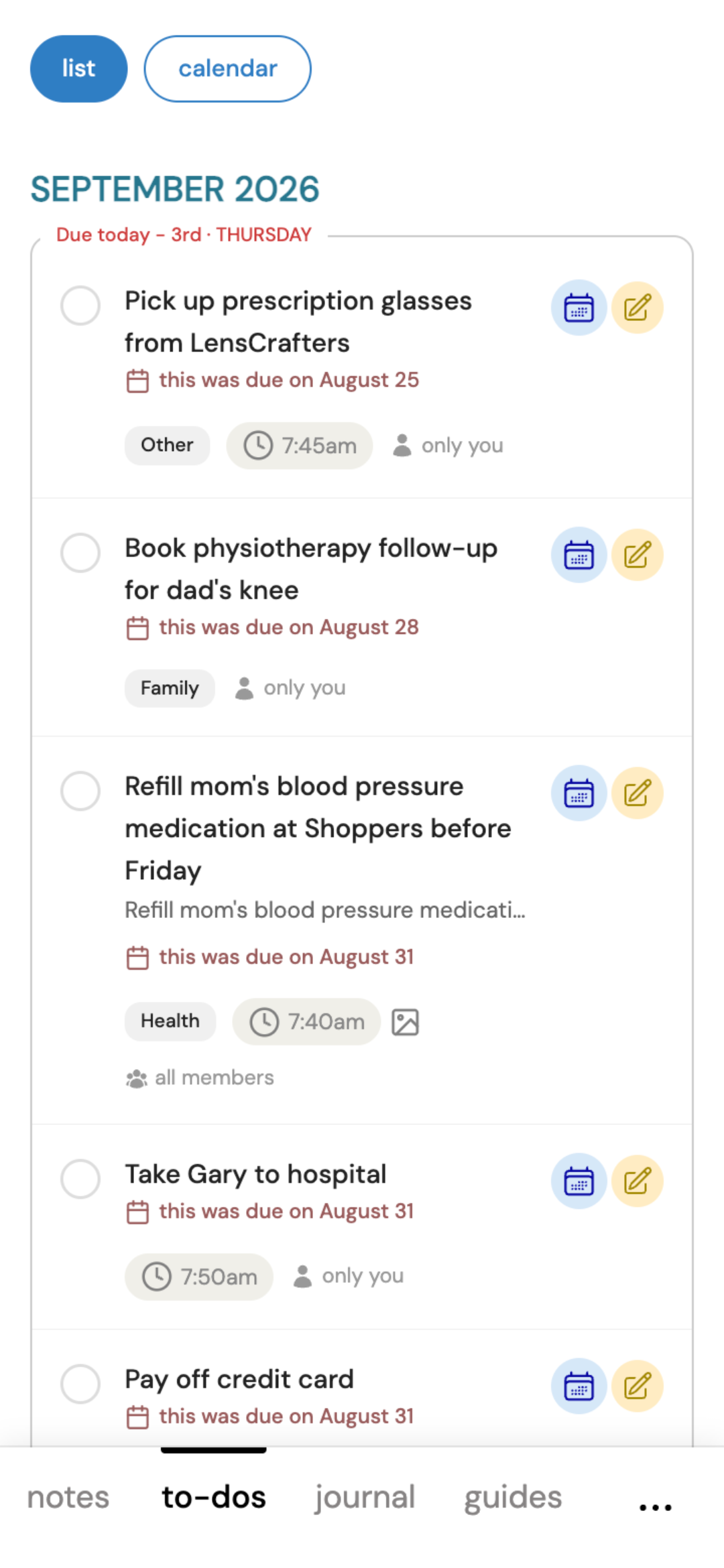
Reminder apps can tell you what's left to do. But can they do any of these?
- Separate lists for your own household and a parent's care — not one shared list everyone has to sort through
- A journal, not just a checklist — a real record of what actually happened, not only what's left undone
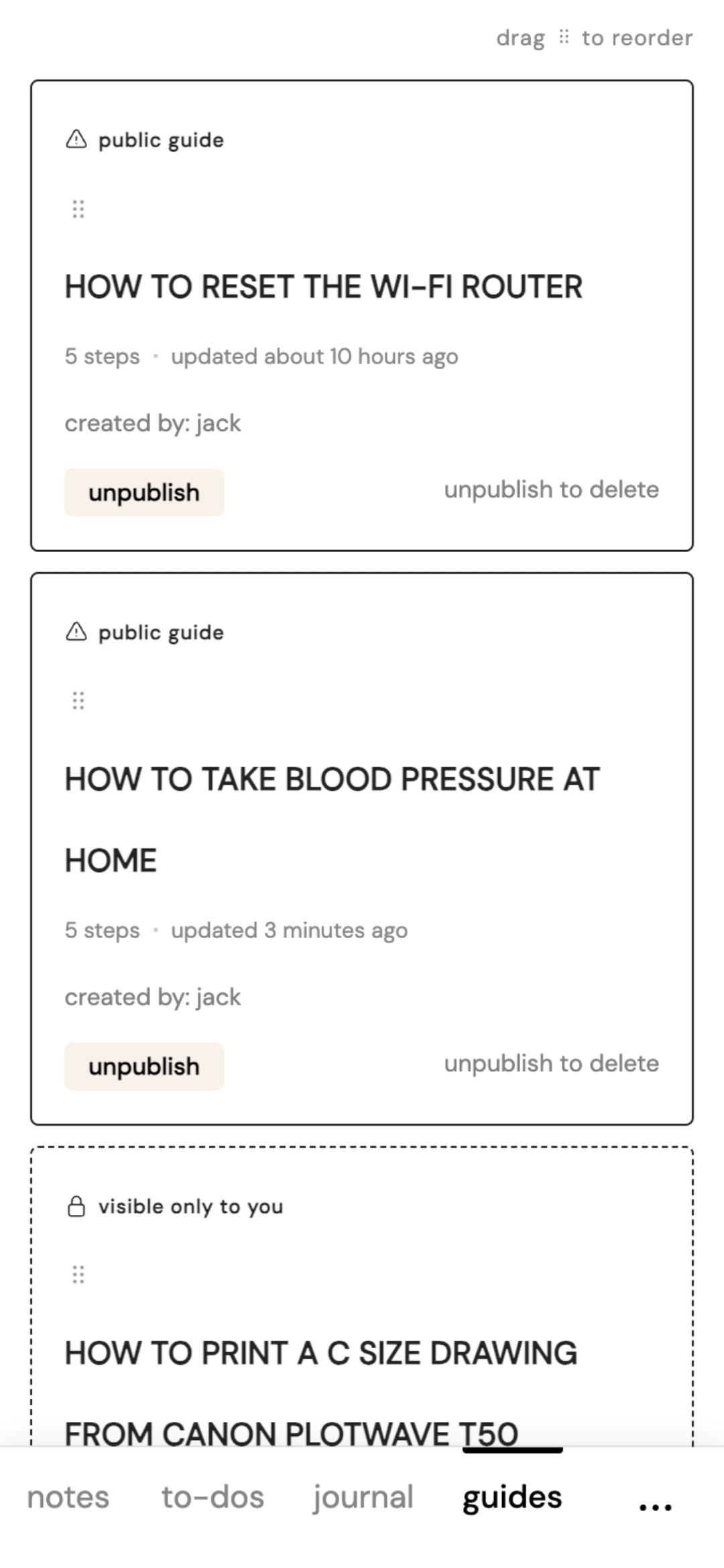
- Step-by-step guides a parent can follow alone — no need to call you for help every time
- Monthly summaries that pull together what actually happened — and catch something worth following up on
Your family, and theirs — kept separate, in one account
Did your sister already schedule mom's next checkup? And did you book an appointment for yourself that your spouse should know about? One app for your own household and theirs.
- Keep your own household's schedule with your spouse — entirely separate from your parent's care group
- A separate group for your parent's care — invite a sibling without sharing your own list
- Coordinate caregiving with siblings, without the group-text guessing game
Works on iOS or Android — add it to your Home Screen, no app store required
No app store download. Add it to your Home Screen and get push notifications just like a real app.
Say it, don't type it
Talk instead of typing — the date and reminder set themselves.
Mark something done and it becomes part of your journal, not just a checked-off line that disappears.
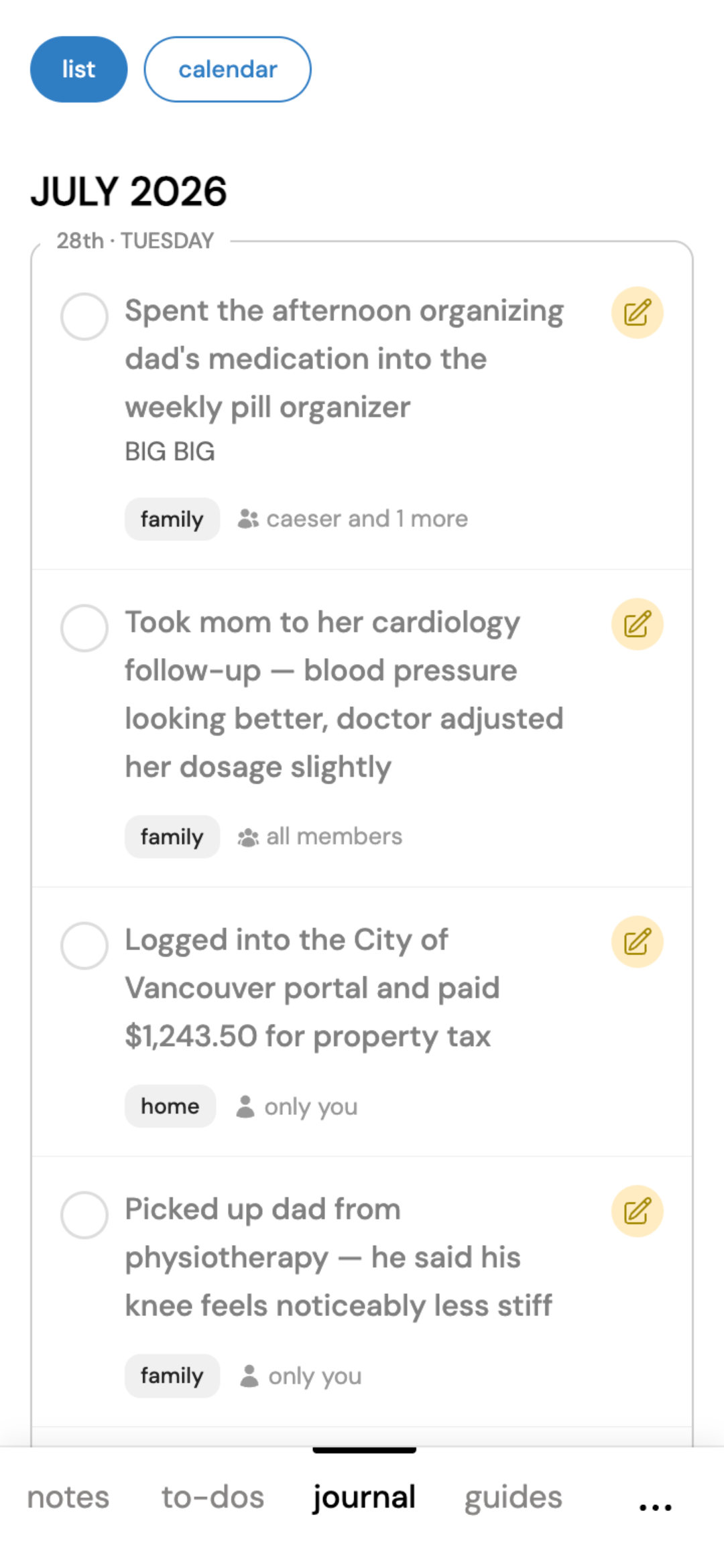
Keep a record of everything you've done
Tired of texting back and forth, then losing it in months of messages?
Log it here so nothing gets forgotten.
- Attach voice recordings of important conversations
- Completed to-dos move here automatically
Snap it. Remember it in three months.
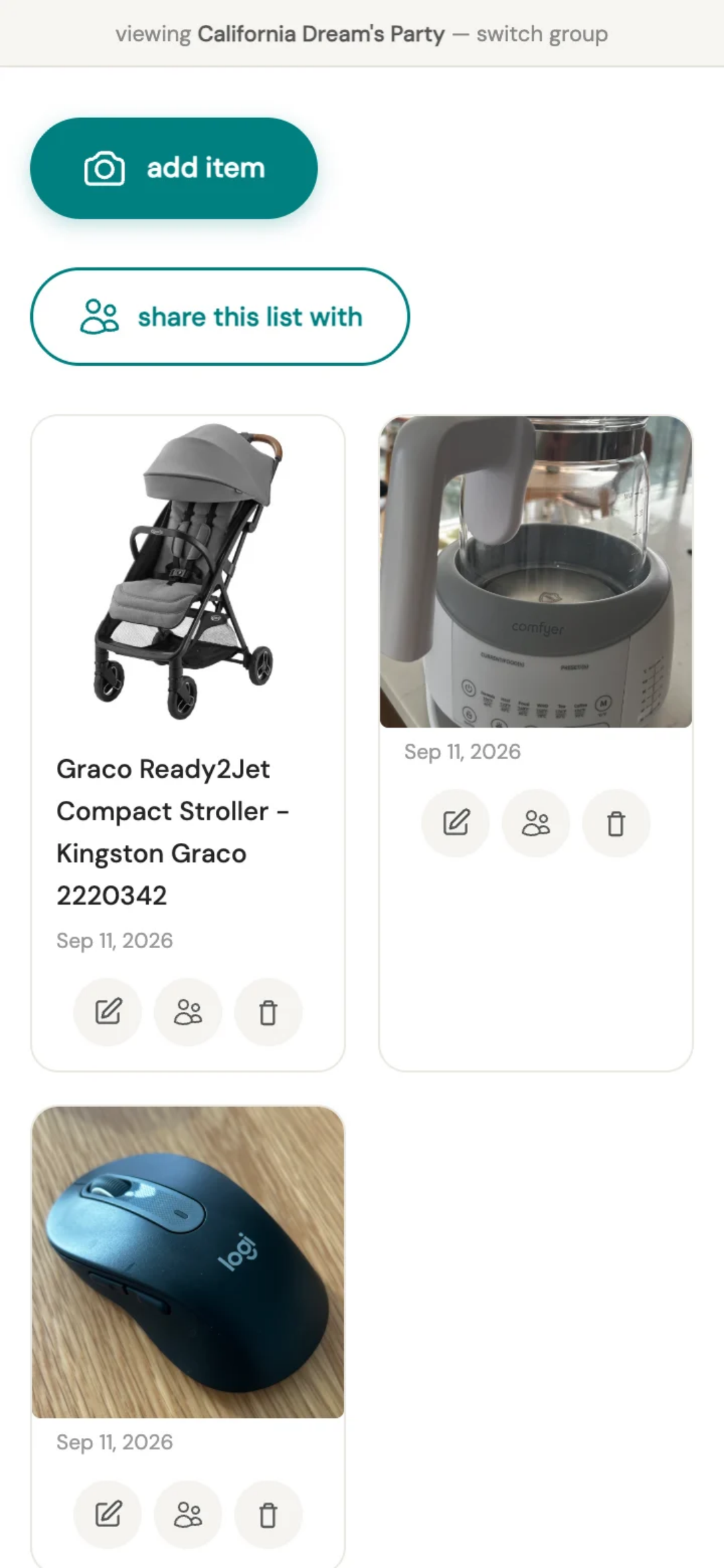
You have countless photos in your gallery. Can you find that stroller you wanted to buy 3 weeks ago?
With your buy list, one tap opens your camera — no title, no typing, just a photo saved to its own list, separate from your regular camera roll.
Come back to it whenever — next week, next season — and there it is, exactly what you saw.
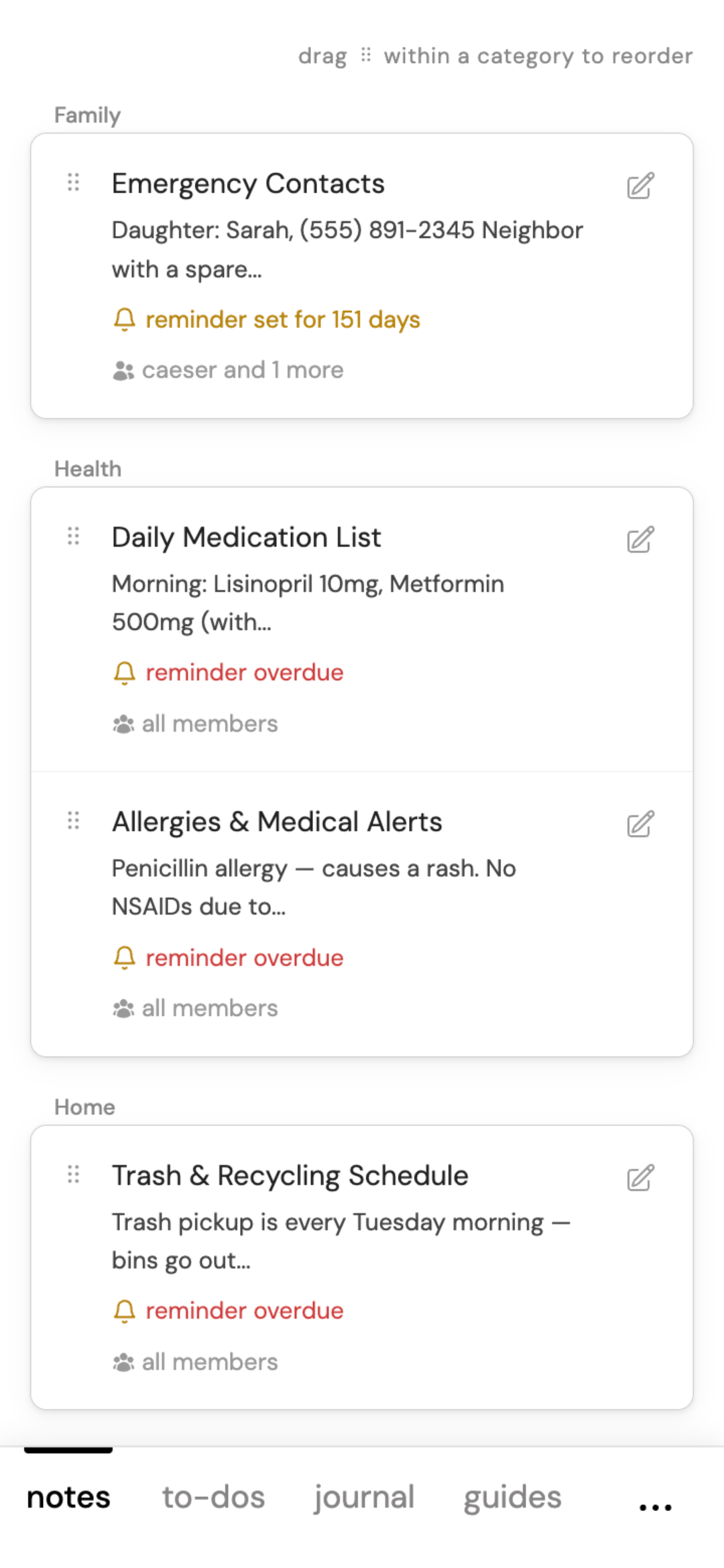
Quick info, always within reach
Doctor's phone numbers, insurance details, the wifi passwords, etc.
Keep them organized by category and find them in seconds.
Write it once. They follow along forever.
Create step-by-step guides for any device or process.
Share via a link or a QR code — no login needed to view.